
Local files
Video and music in the browser, without upload.
One calm place for the media you bring. Start with a file here, or open the full StreamCast engine on your computer.
Your browser file stays on your device. No account required.

Pick a file. Nothing uploads.
Original playback, simple controls.
Use your local engine for connected sources.
The web player works now. The full StreamCast dashboard runs from your own computer, with Telegram and other authorized sources handled there.
No public media server. Your desktop engine stays private.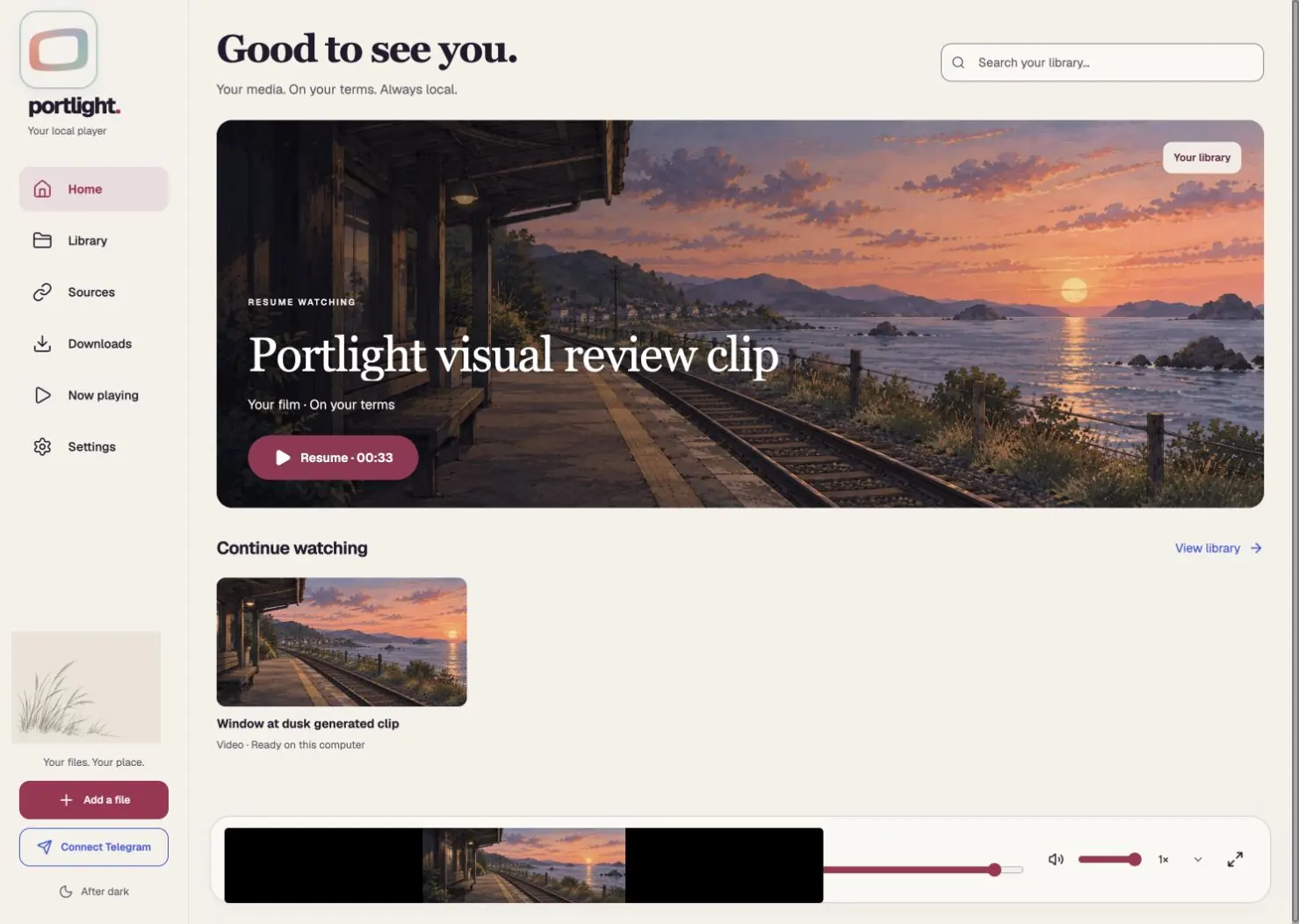
Every feature has a clear status. Search the list, not a wall of promises.
Video and music in the browser, without upload.
Re-select the same file in this browser to continue.
Permitted links through your own computer.
QR or phone-code sign-in is a desktop-engine preview. Each engine needs a Telegram app ID once.
Public links locally. Private Google sign-in is not ready.
Lawful user-supplied magnets and files; no catalog.
Browser support permitting; a mini-player otherwise.
Speed hold/lock, captions, ambience and diagnostics.
Pairing and resume exist in source, but need real-phone testing before an APK download.
Local audio through browser and Android player.
Measured optional profiles, not invented calibration.
Selected browser files stay with you.
No matching features.
The browser player is ready for a pre-release site preview. We will activate each installer only after its release checks.
Play your own files in this browser.
Open player ↗Signed, device-tested APK pending.
Why not yet? ↗Desktop engine release checks pending.
Coming soonInstaller not verified.
Coming soonInstaller not verified.
Coming soonNo iOS app yet.
Coming laterWorking name pending clearance · No debug APK is offered as a stable release.
There is no hosted account. The full engine may ask for its local access key. Telegram authorization happens inside that engine; private Google Drive consent is not implemented yet.
Not on this public page. Open your own StreamCast engine on the same computer. Its owner must register a Telegram app ID first. QR scan or phone code, with 2FA when enabled, is a developer preview inside that engine.
No. The Android APK needs signing and real-device tests. Android also requires your approval to install it.
No. Bring media you own or are authorized to access. There is no catalog, Wi-Fi boost, or automatic VPN.